
Top 5 Best Hard Drive Data Recovery Services


When data recovery software is no longer enough, a professional data recovery service may be your best chance of getting your files back. But choosing one is not a decision you should make at random. An unsuccessful recovery attempt can cause additional damage to a failing device, overwrite recoverable data, or leave some files permanently lost.
To make that choice easier, we put together a list of the best data recovery services available today. Our rating covers top recovery companies, the services they offer, their certifications, locations, support options, and other factors worth considering before you send them your device.
Top 10 Best Recovery Services 2026
Here is an overview of some quality data recovery services. We hope it helps you choose the best hard drive recovery service for your situation.
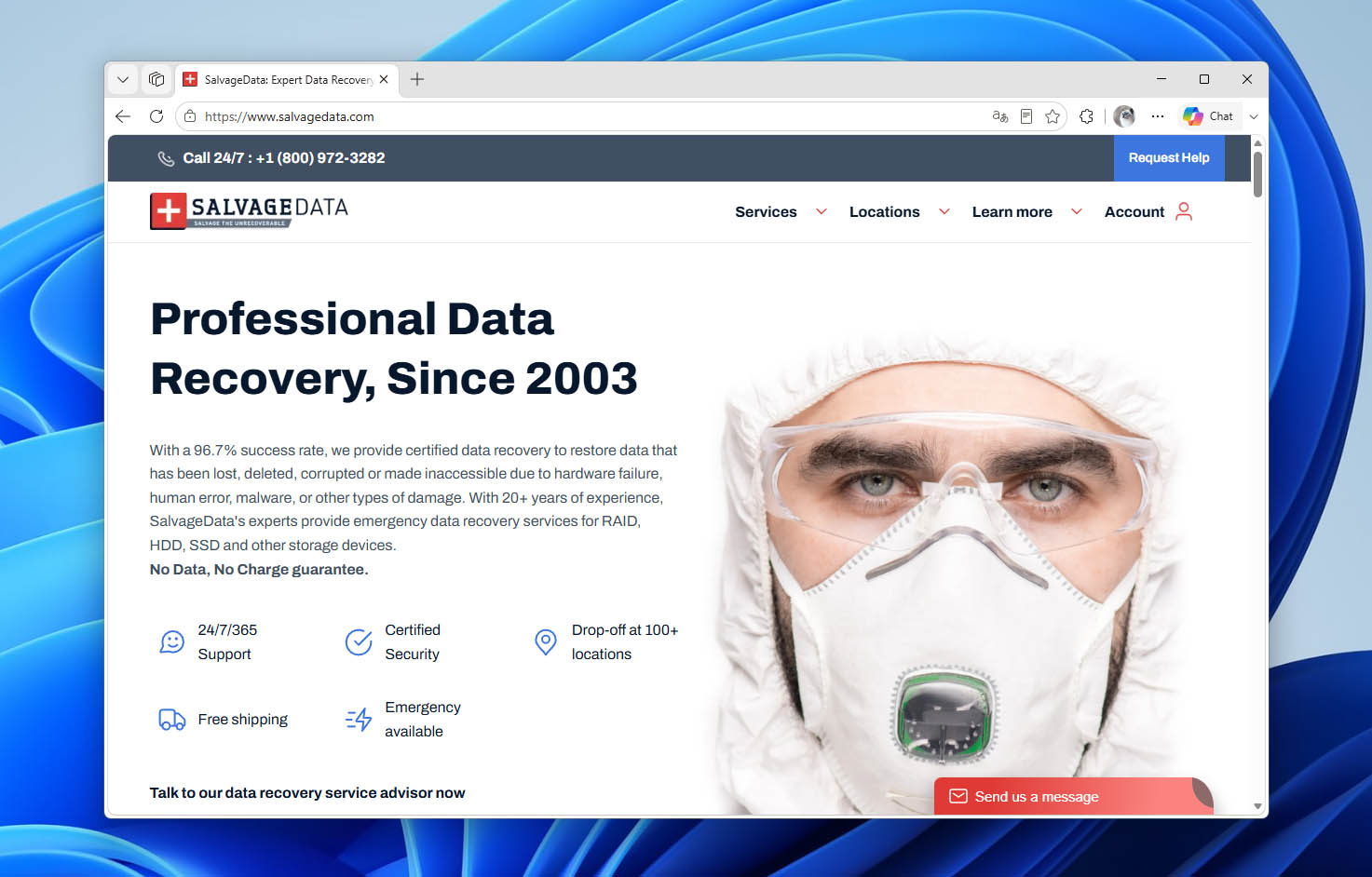
1. SalvageData
SalvageData has been providing quality data recovery services for over 20 years using technically advanced proprietary hardware and software solutions.
Pros:
- 100+ locations across the U.S. and Canada
- Publishes typical recovery price ranges
- 24/7 emergency recovery available
- Strong security and compliance credentials
Cons:
- Eco service can take 10–15 business days
- Exact pricing requires device evaluation
- Major recoveries can be expensive
🧰 Range of services:
- Data recovery and salvage on all types of digital storage devices
- Tape recovery
- RAID and on-site recovery
- Memory card recovery
📑 Certifications:
- ISO 9001:2015 Certified
- AICPA SOC 2 Type 2 Compliance
- BBB Accredited Business A+
- Microsoft Trusted Partner
- GSA Contractor
- HIPAA Compliant
- ISO-5 Cleanroom
📝 Overview:
SalvageData’s confidence in its recovery capabilities led it to introduce the now-industry-wide practice of not charging for failed recoveries in 2003. The company’s goal is to constantly devise better recovery methods and tools.
It strives to exceed industry standards for security and media-handling protocols and undergoes regular external audits to maintain compliance. Expert technicians can get back data from damaged SSDs, hard drives, and virtually any other type of storage device.
Data can be returned to users via new storage devices or through downloads based on the volume of recovered information. In cases where recovery is impossible, the device will be securely destroyed or can be returned to the client if desired.
📍 Locations:
The company is headquartered in Cleveland, Ohio, and has over 100 locations across the U.S. and Canada, along with thousands of secure drop-off locations for sending devices to its lab.
💵 Pricing:
Free device evaluation and detailed quote before recovery. According to SalvageData, minor recovery cases typically cost between $300 and $1,000, while major cases such as disk crashes or water damage can range from $1,100 to $1,900. The company follows a No Data, No Charge policy if the requested data cannot be recovered.
☎️ Support:
- Free, in-depth recovery evaluation
- 24/7/365 support
- 96.7% success rate
- Emergency recovery available
- Free shipping
- No Data, No Charge policy
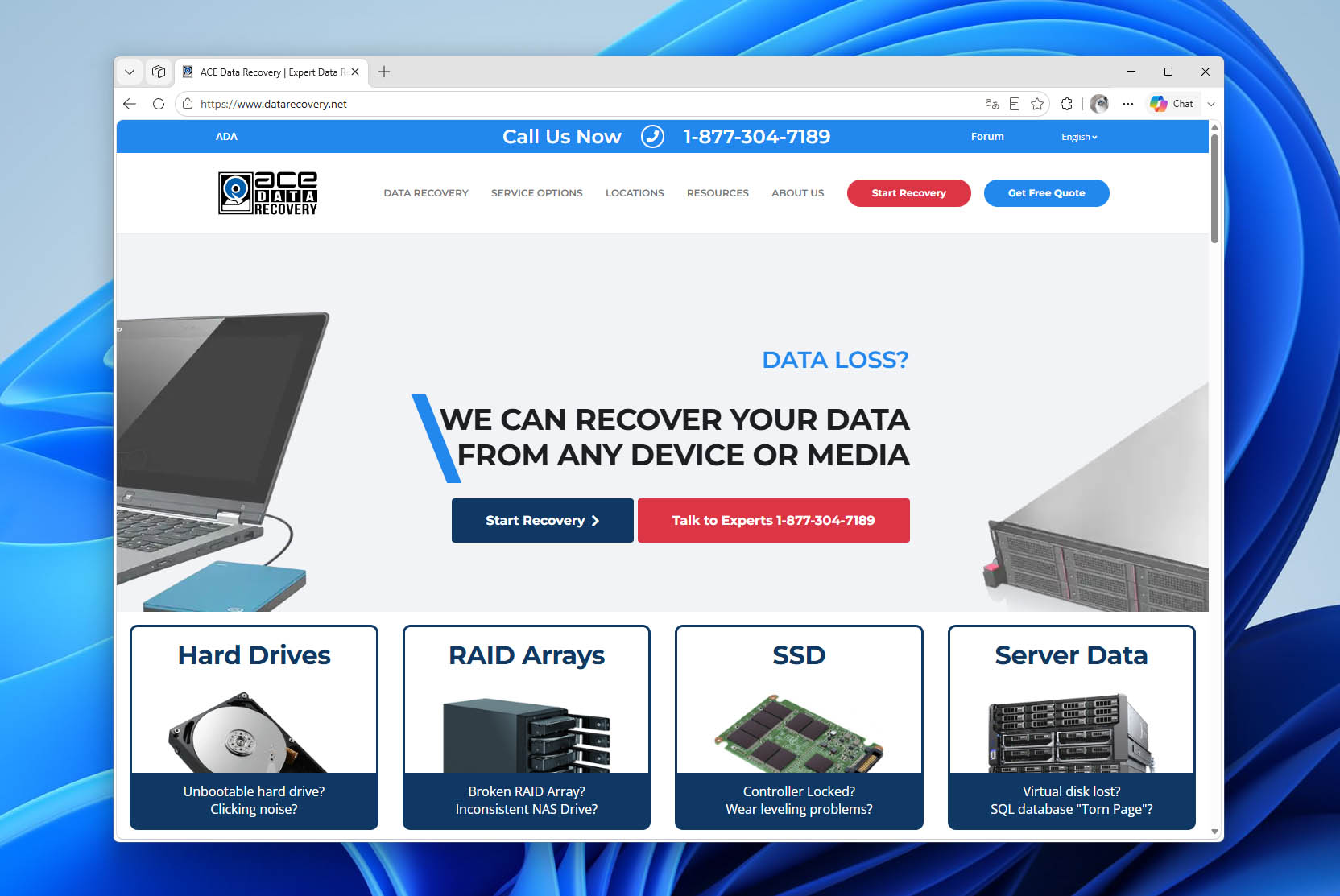
2. Ace Data Recovery
Ace uses its advanced technical expertise to provide customers with effective recovery services.
Pros
- Standard turnaround is typically 1–5 business days
- In-house labs and certified cleanrooms
- Remote and onsite recovery available
- Online case tracking
Cons:
- Expedited evaluation carries a fee
- Onsite recovery is limited to certain cases
- No simple fixed pricing
🧰 Range of services:
- Ace recovers data from all types of storage devices, including RAID arrays, SSDs, hard drives, and tape media
- Tape duplication services on all types of current or obsolete technology
- Computer forensics services geared toward protecting digital evidence
- Emergency and onsite recovery services are provided 24 hours a day
📑 Certifications:
- Class 100 (ISO-14644-1 Class 5) clean rooms that are very close to being Class 10 equivalent during production
- Microsoft Registered Partner, with extensive experience performing Microsoft Exchange® and Microsoft SQL® database recoveries
📝 Overview:
Ace provides its customers with excellent recovery results through the use of their advanced technical expertise. They have a dedicated research and development team that creates leading-edge data recovery software, hardware, and recovery tools.
Their technology can recover data from failed SSDs with damaged metadata and access-restricted system tracks on encrypted hard drives. The company has over 40 years of experience in the data recovery field.
All recovery operations are performed in-house on image copies made with proprietary Direct-Drive Access Reader (DDA Reader™) technology to prevent further damage to the media.
📍 Locations:
Ace is headquartered in Dallas, Texas, and has recovery labs in Dallas, Houston, and Chicago. It has more than 30 service centers across the U.S. and Canada.
💵 Pricing:
Free diagnostic evaluation and an all-inclusive price quote before recovery begins. The final cost depends on the complexity of the recovery, storage capacity, and selected service level. ACE follows a No Data, No Charge policy for unsuccessful standard recoveries. A $99 diagnostic fee applies if the drive has previously been opened and its factory seals are broken.
☎️ Support:
- Free 24/7 phone consultation for price estimates
- Onsite emergency recovery services
- Standard and expedited recovery options
- No data, no charge commitment if recovery fails
- A recovery success rate of over 98%
- Free shipping and free return media for completed projects
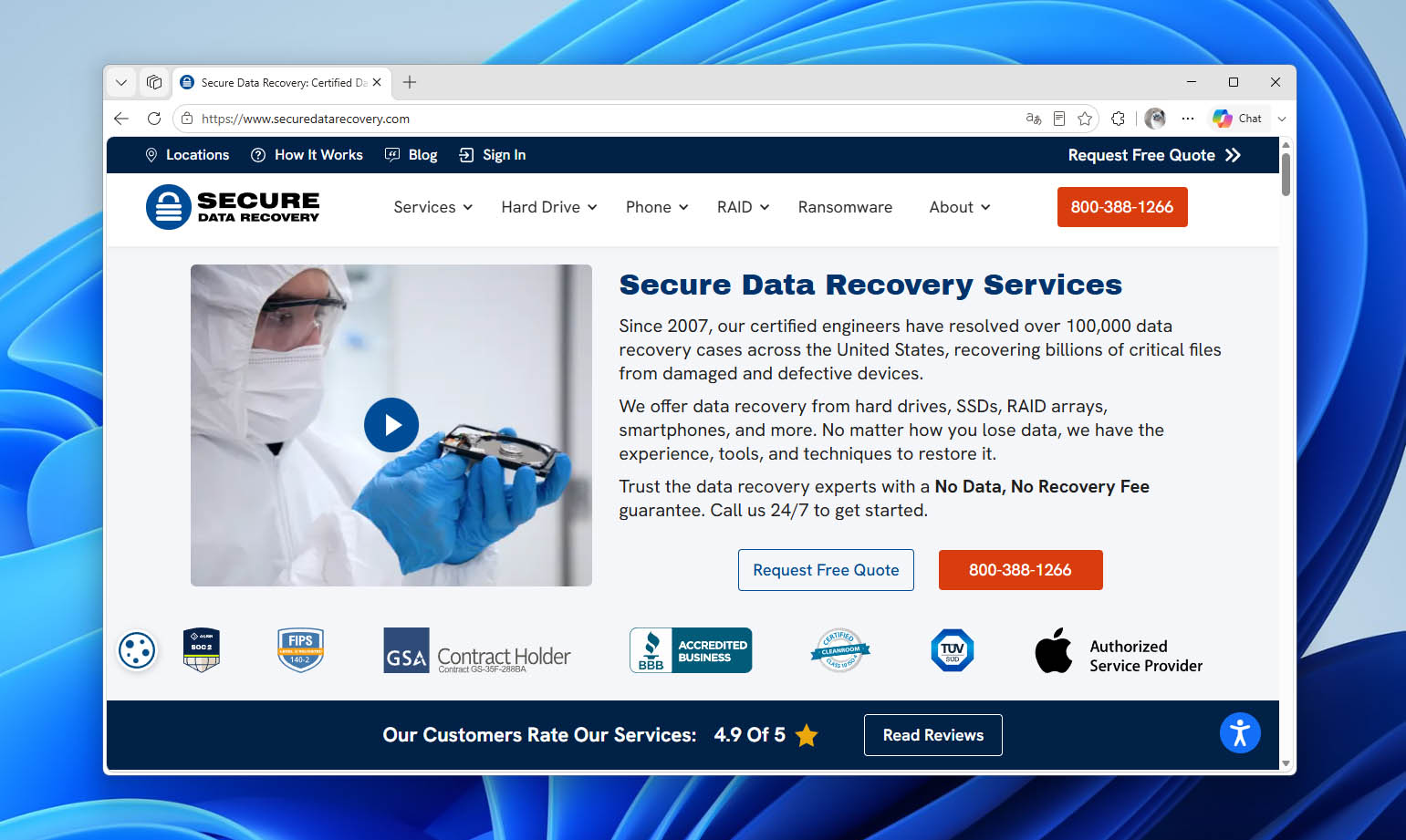
3. Secure Data Recovery
Secure Data Recovery offers users a transparent recovery process that emphasizes the privacy and security of your data.
Pros
- Strong privacy and security certifications
- Apple-certified technicians
- In-lab, remote, and onsite recovery
- Handles encrypted and advanced storage failures
Cons:
- Standard diagnostics can take up to 72 hours
- Standard recovery may take 5–9 business days
- Pricing is not published upfront
🧰 Range of services:
- Hard drive and SSD data recovery
- RAID, NAS, and server data recovery
- Mobile device data recovery
- Flash drive and memory card recovery
- Tape data recovery
- Computer forensics
- Ransomware data recovery
📑 Certifications:
- Class 10 ISO 4 Certified Cleanroom
- SSAE 18 SOC 1, 2 & 3 Audited
- FIPS 140-2 Level 3 Validated Data Handling Practice
- ISO 9001:2015 Certified
- GSA-Approved Contractor
- TRUSTe Verifiable
- Certified Mac Technicians
📝 Overview:
Secure Data features a proactive research and development team that is continuously searching for new recovery methods. The company will exhaust all available recovery procedures before returning your media at no charge if it cannot be salvaged.
Emergency same-day service is available with technicians dedicated to the recovery process 24 hours per day. The emergency service has an average 48-hour turnaround time and retains its “no data, no charge” customer-protection policy.
Secure Data also offers a line of hardware-encrypted storage devices, including flash drives and external hard drives. These devices can help keep confidential data safe, and some can be unlocked with a smartphone.
📍 Locations:
Secure Data Recovery operates more than 120 service centers worldwide and also accepts devices shipped directly for in-lab recovery.
💵 Pricing:
Free estimates and no charge for failed recoveries.
☎️ Support:
- Free in-lab evaluation of your storage device
- No data, no charge consumer protection policy
- Standard, Expedited, and Emergency service options
- 24/7 phone assistance and online request submission
- 96% recovery success rate
- On-site and remote recovery options
4. Ontrack
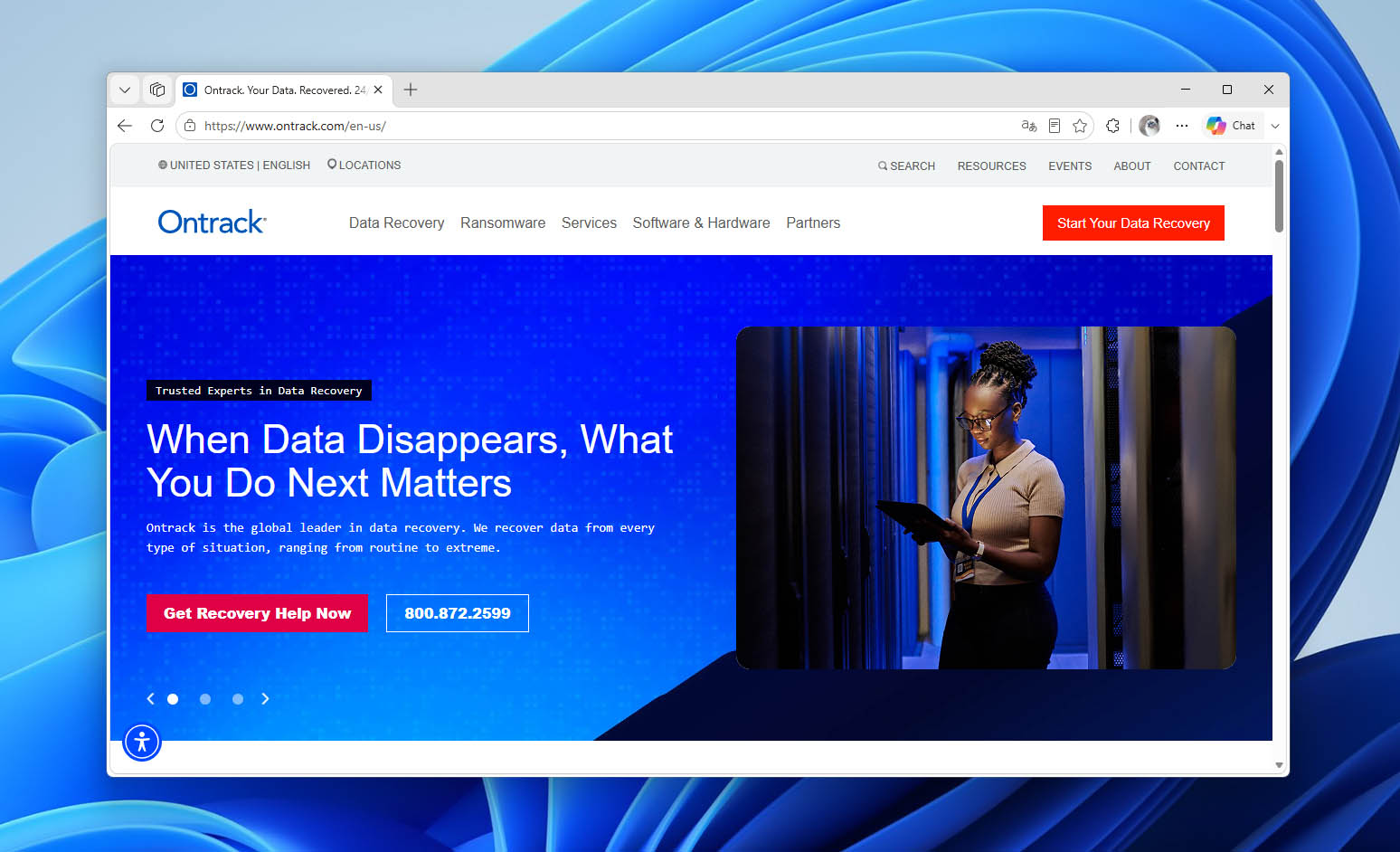
Ontrack has been providing professional data recovery services since 1985 and also offers data recovery software for users who want to attempt recovery themselves.
Pros
- Strong enterprise, RAID, and server recovery
- Remote recovery available for working hardware
- International lab presence
- Fast initial evaluation
Cons:
- Standard recovery can take 7–14 business days
- Remote recovery requires accessible hardware
- Pricing is quote-based
🧰 Range of services:
- Data recovery
- Email recovery and extraction
- eDiscovery
- Data destruction and erasure verification
- Mobile phone and tablet recovery
- Tape services
- Ransomware recovery
📑 Certifications:
- Certified ISO-5 Class 100 Cleanroom
- Provides a digitally signed Certificate of Erasure for auditing and compliance
- Compliant with all state, federal and international data privacy regulations and guidelines
📝 Overview:
Ontrack is a global data recovery company with operations across North America, Europe, and the Asia-Pacific region. They offer Standard service with an estimated turnaround time of 7-14 business days, Priority service with recovery typically completed within 2-5 business days, and 24/7 Emergency service for urgent cases.
The company specializes in secure data removal and provides 100% sanitization of hard drives and SSD devices. It follows international guidelines for compliant data destruction and uses industrial-strength degaussers to remove magnetically stored data.
Ontrack can recover data from a wide variety of damaged devices including cloud instances, virtual servers, and RAID arrays. Its software offerings allow users to securely erase data or perform recovery themselves without having to ship their media.
📍 Locations:
Its listed U.S. location is in Eden Prairie, Minnesota, with additional locations in Canada, the UK, Germany, France, Italy, Australia, Japan, and other countries.
💵 Pricing:
Contact the company for a free evaluation and an estimate of recovery costs.
☎️ Support:
- 90% success rate
- Four-hour free evaluation
- Online consultation scheduling
- Free phone consultation
5. Gillware
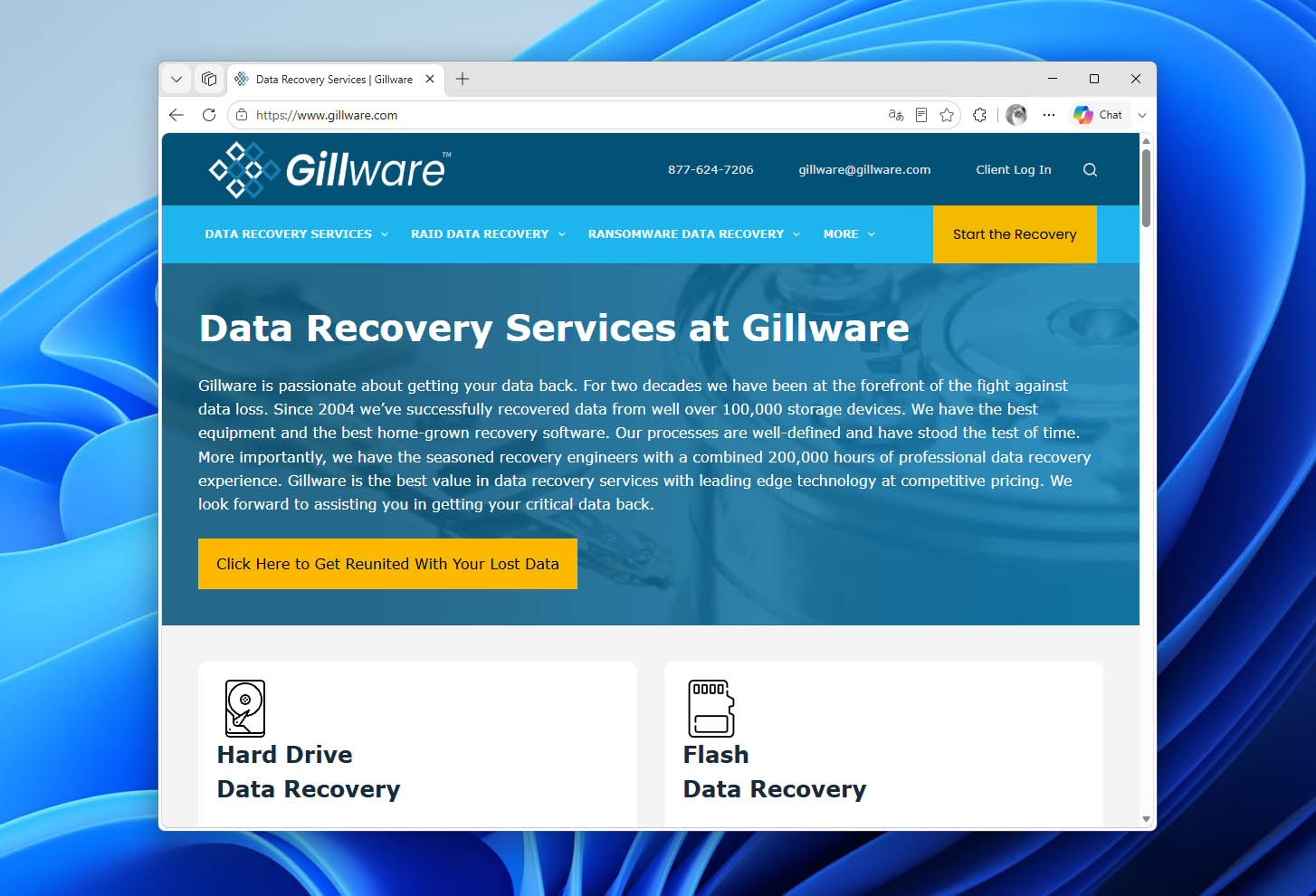
Gillware is an experienced data recovery service that can recover data from all types of damaged devices.
Pros
- Firm written quote before recovery
- Recovery is handled in-house in the U.S.
- Broad file system support
- Free inbound shipping in the continental U.S.
Cons:
- Some NAS cases require an engineering deposit
- Emergency service can cost much more
- Support is not fully 24/7
🧰 Range of services:
- Hard drive data recovery
- RAID, NAS, SAN, and server data recovery
- Virtual server data recovery
- SSD, SD card, and USB flash drive recovery
- Emergency data recovery
- Mobile device data recovery
📑 Certifications:
- ISO 5 Class 100 certified cleanroom
- SOC 2 Type II audited facility
- GSA contract holder
- HIPAA-compliant data recovery available
📝 Overview:
Gillware was formed by two brothers in 2004 to address their data loss issues. The company has grown and now employs recovery engineers with over 200,000 combined hours of data recovery experience.
Recovery is performed using software and hardware that are developed in-house to address complex data recovery situations. Gillware prides itself on assisting other data recovery labs with complex recovery situations.
Data privacy and protection are hallmarks of Gillware’s recovery services. Your data is never exposed to the Internet, and all employees are background checked and trained to respect customer privacy. Forensic copies of customer data are destroyed one week after the recovery is complete.
📍 Locations:
Gillware’s headquarters and 10,000-square-foot data recovery lab are located in Madison, Wisconsin. More than 2,000 managed service providers and computer repair facilities refer customers to Gillware for data recovery.
💵 Pricing:
Free evaluation followed by a firm, flat-rate quote before recovery begins. There are no upfront fees, and Gillware follows a No Data, No Charge policy if the required data cannot be recovered.
☎️ Support:
- Phone and email support during business hours
- Online chat during business hours
- Free evaluation
- Free inbound UPS shipping within the continental U.S.
- No Data, No Charge policy
- Emergency service available
6. Disk Doctors
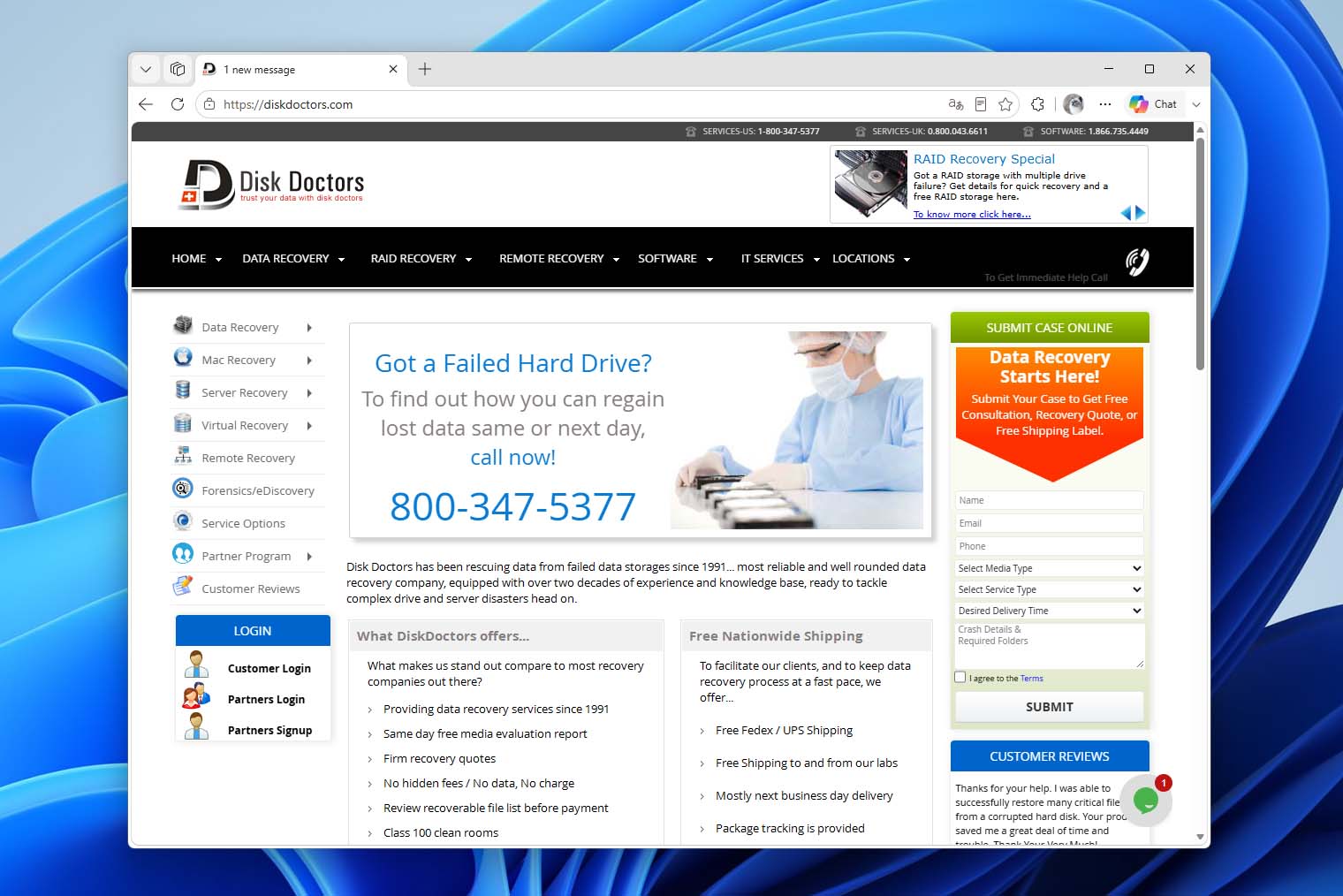
Disk Doctors has been providing professional data recovery services since 1991. The company works with everything from individual hard drives and memory cards to complex RAID arrays, servers, and virtual machines.
Pros
- Publishes approximate recovery prices
- Lets you review recoverable files before payment
- Supports RAID, virtual machines, and tape
- Customers can provide their own return drive
Cons:
- Standard recovery takes around 7–10 business days
- Return shipping may still cost extra
- Return media is not always included
🧰 Range of services:
- Hard drive and SSD data recovery
- RAID, NAS, SAN, and DAS recovery
- Virtual machine recovery
- Tape data recovery
- Memory card and USB flash drive recovery
- Smartphone data recovery
- Remote data recovery
- Onsite RAID recovery
- Forensics and eDiscovery
📑 Certifications:
- ISO-certified data recovery labs
📝 Overview:
Disk Doctors has more than 30 years of experience and has handled tens of thousands of data recovery cases worldwide. The company supports both individual storage devices and more complex systems, including RAID arrays, NAS and SAN storage, virtual machines, and servers.
Recovery begins with a free diagnostic evaluation. After examining the device, Disk Doctors provides a quote and estimated turnaround time before proceeding with the recovery. Recovered files can be reviewed before payment and returned on external storage media or through an encrypted online transfer.
Three service levels are available depending on how quickly you need the data back. Standard recovery typically takes 7–10 business days, Expedited service takes 4-6 business days, and Emergency recovery has an estimated turnaround time of 1-3 business days.
📍 Locations:
Disk Doctors provides data recovery services throughout the U.S. and Canada, with additional service availability in the United Kingdom. Devices can be shipped to the company for recovery, while onsite recovery is also available for certain RAID cases.
💵 Pricing:
Free diagnostic evaluation and quote before recovery begins. Standard hard drive recovery typically costs $400–$1,800 per drive, RAID recovery costs $500–$1,500 per drive in the array, and memory card recovery ranges from $200 to $750. Disk Doctors follows a No Data, No Charge policy, although return shipping charges may still apply if recovery is unsuccessful.
☎️ Support:
- Free consultation and quote
- Free diagnostic evaluation
- Standard, Expedited, and Emergency service options
- No Data, No Charge policy
- Free inbound shipping
- File and folder list available for review before payment
- Onsite consultation available
- More than 90% advertised recovery success rate
7. WeRecoverData
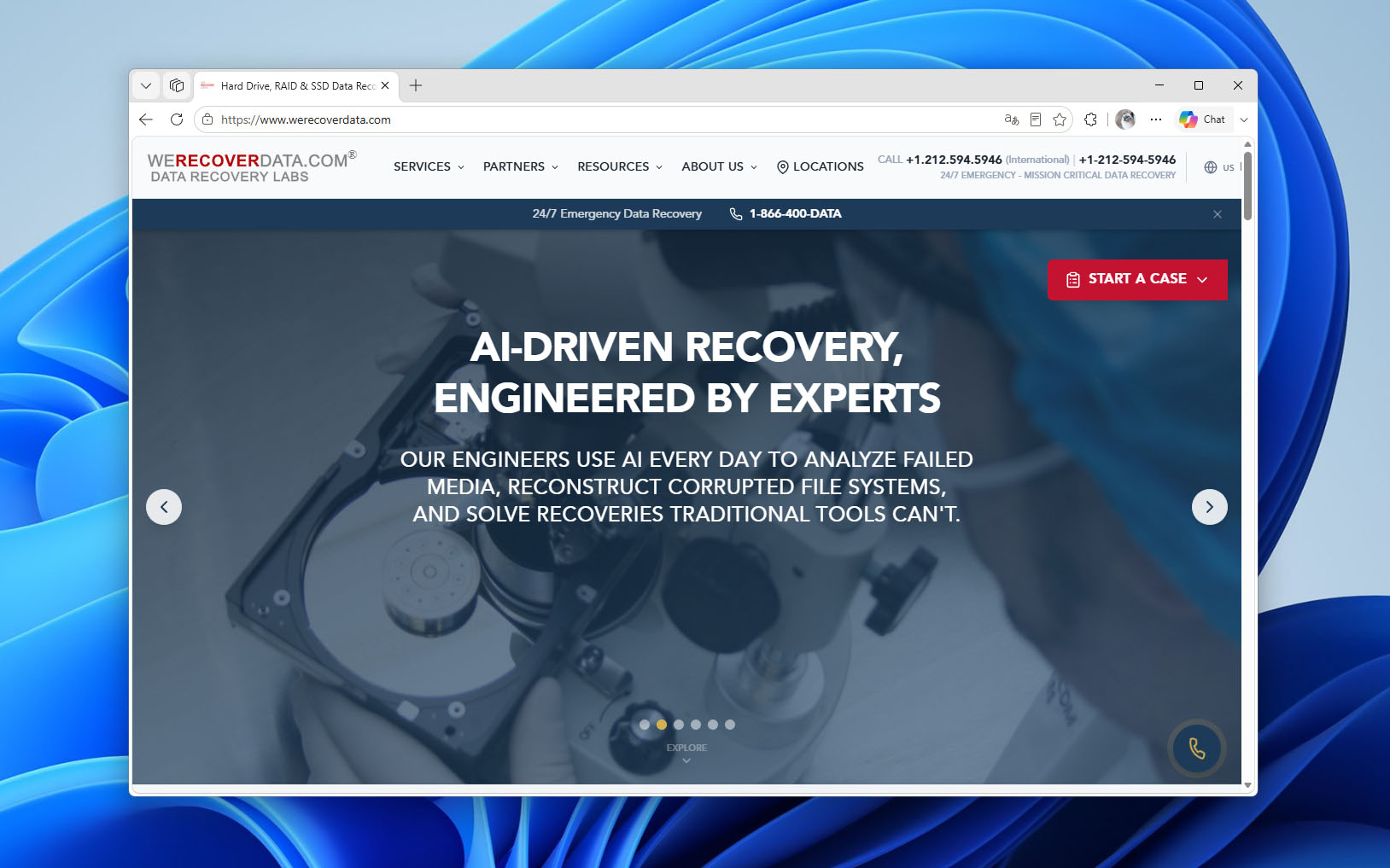
WeRecoverData is a professional data recovery company with more than 30 years of experience. It handles everything from individual hard drives and flash storage to enterprise RAID, SAN, NAS, and virtualized systems.
Pros
- Strong support for enterprise storage systems
- ISO 4 and ISO 5 cleanroom facilities
- In-house R&D for difficult recoveries
- In-lab, onsite, and remote options
Cons:
- Onsite emergency recovery is expensive
- Remote recovery requires functional hardware
- Consumer pricing is not very transparent
🧰 Range of services:
- Hard drive and SSD data recovery
- RAID, NAS, and SAN recovery
- Server and virtual system recovery
- Memory card and removable media recovery
- Mobile device data recovery
- Tape data recovery
- Digital forensics and eDiscovery
- Remote and onsite data recovery
📑 Certifications:
- ISO 4 Class 10 cleanrooms
- ISO 5 Class 100 cleanrooms
- SOC 2
- HIPAA-compliant facility
- GSA government contractor
📝 Overview:
WeRecoverData has an in-house research and development team that develops proprietary hardware and software tools for complex recovery cases. Its services cover both conventional storage devices and enterprise systems, including RAID arrays, NAS, SAN, servers, and virtualized environments.
For urgent cases, the company offers 24/7/365 Emergency Data Recovery. Recovery can be performed in its lab, at the customer’s location, or remotely. Remote recovery can restore data within hours when technically possible, although this option is limited to storage that is still physically functional and recognized by the system.
Data security is also a major part of the service. WeRecoverData operates controlled cleanroom environments and offers SecuReturn encrypted delivery for recovered data. Its services are used by individuals as well as businesses, healthcare organizations, government agencies, and other organizations that handle sensitive information.
📍 Locations:
WeRecoverData is headquartered in New York City and provides data recovery services worldwide, with representation in North America, South America, Europe, and the Middle East. Its current location directory includes service locations in major U.S. and Canadian cities as well as locations in Europe.
💵 Pricing:
Free initial consultation and device evaluation. The final price depends on the storage device, type of failure, and recovery method required. WeRecoverData follows a No Data, No Recovery Fee policy if the required data cannot be recovered. Emergency onsite recovery starts at $5,000 per day, plus travel expenses and data recovery charges.
☎️ Support:
- Free initial consultation and evaluation
- 24/7/365 Emergency Data Recovery
- In-lab, onsite, and remote recovery options
- No Data, No Recovery Fee policy
- Free overnight shipping in North America
- 24/7 customer support
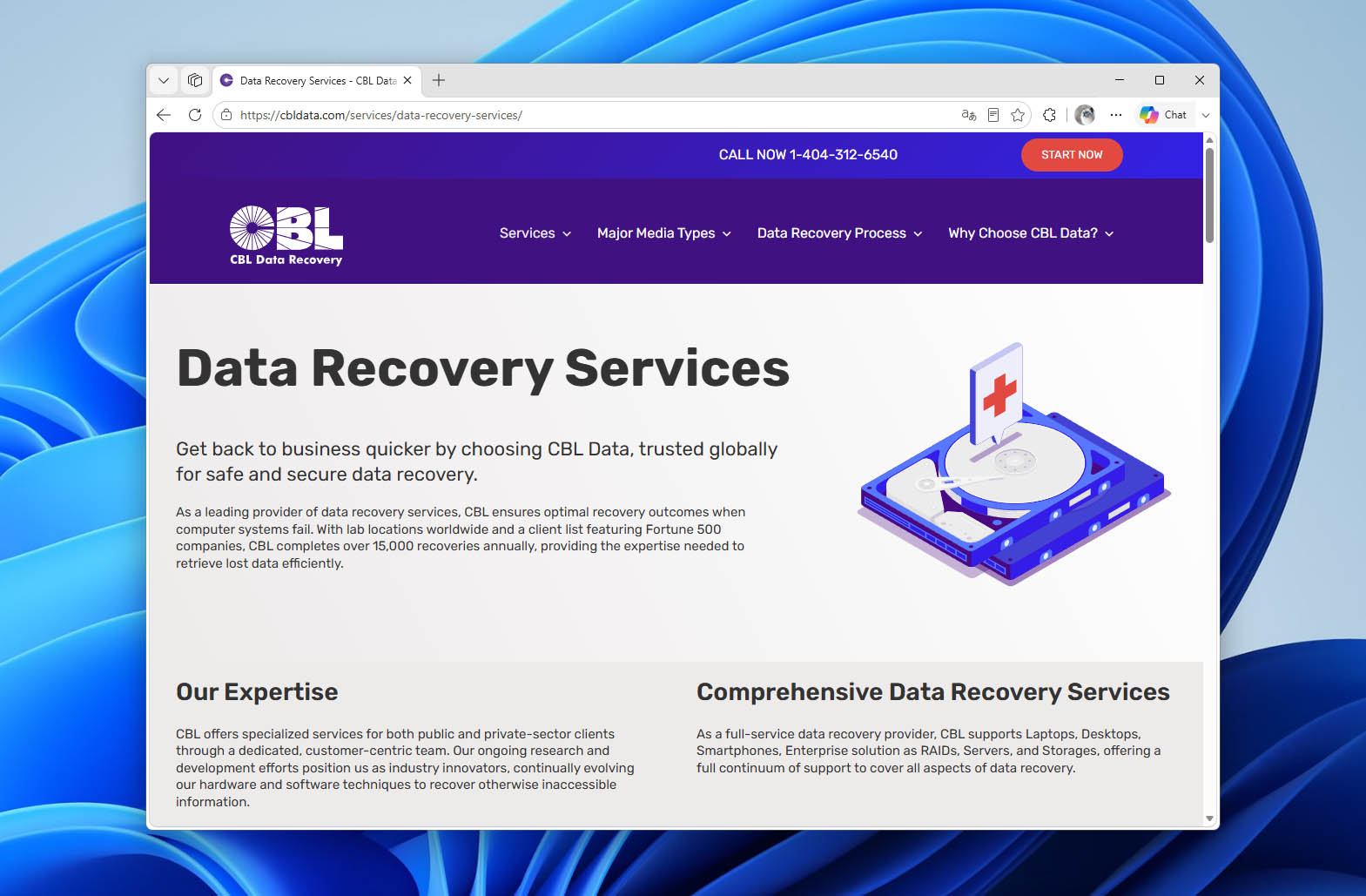
8. CBL Data Recovery
CBL Data Recovery has provided professional data recovery services since 1993 and works with both individual customers and businesses. The company reports more than 386,000 completed recoveries.
Pros
- Publishes detailed recovery pricing
- Return media is included in many quotes
- Fast rush evaluation for enterprise cases
- Discounts for students, military, and IT partners
Cons:
- Does not currently accept several device types
- SSD and soldered-storage recovery is expensive
- Return shipping may apply after failed recovery
🧰 Range of services:
- Hard drive and SSD data recovery
- RAID, server, and storage recovery
- Laptop and MacBook data recovery
- Smartphone data recovery
- Emergency data recovery
- Data destruction
📑 Certifications:
- Class 100 static-free cleanroom facilities
- Data destruction compliant with NIST and DoD standards
- HIPAA, PCI DSS, GLBA, and FACTA-compliant degaussing
📝 Overview:
CBL performs all recovery projects in secured laboratory environments, while physically damaged hard drives are handled in Class 100 cleanrooms. After evaluation, customers receive a firm quote and an estimated turnaround time before deciding whether to proceed.
Standard service generally takes 5-10 business days after project approval. For urgent enterprise cases, CBL offers around-the-clock Emergency Data Recovery, with specialists available 24/7/365.
📍 Locations:
CBL operates a global network of laboratories and service locations, with coverage across the United States, Canada, South America, Europe, Asia, and Australia.
💵 Pricing:
Free evaluation and a firm quote before recovery begins. Published HDD prices start at $800–$1,100 for drives up to 1 TB, while SSD recovery starts at $1,100 for SATA/M.2 drives and $1,600 for NVMe drives. CBL follows a No Data, No Charge policy.
☎️ Support:
- Free 24-48 hour standard evaluation
- 2-hour Rush Evaluation for enterprise solutions
- 24/7/365 emergency assistance
- No Data, No Charge policy
- 90% advertised recovery success rate
9. SeaGate Data Recovery
Seagate Rescue Data Recovery Services is a little different from the other companies on this list. Instead of being primarily a standalone recovery service, Rescue is included with many Seagate drives and provides one professional in-lab recovery attempt for eligible devices.
Pros
- Included with many eligible Seagate drives
- Prepaid shipping to the lab
- Recovered data is returned on encrypted media
- Online case tracking and status updates
Cons:
- Limited to one recovery attempt
- Turnaround can take up to 30 business days
- Only available for eligible Seagate products
🧰 Range of services:
- HDD data recovery
- SSD data recovery
- Flash storage data recovery
- Recovery from mechanical failures
- Recovery from accidental damage
- Recovery after natural disasters
📑 Certifications:
I would not include a Certifications section for Seagate. The current Rescue pages do not list cleanroom, ISO, SOC, or similar certifications specifically for the recovery service, so there is nothing solid to put here based on the official source.
📝 Overview:
Rescue Data Recovery Services are included with many Seagate products, including selected One Touch, Expansion, IronWolf, SkyHawk, and FireCuda drives. Eligible customers receive one in-lab recovery attempt, and Seagate provides a prepaid shipping label to send the failed drive to its lab.
The estimated turnaround time is typically up to 30 business days after the device reaches the lab. If recovery is successful, Seagate returns the recovered files on an encrypted storage device. If it fails, the original drive can be returned or securely destroyed at the customer’s request.
📍 Locations:
Seagate provides Rescue Data Recovery Services in multiple countries and regions, although availability depends on the customer’s location and the specific product. Customers can check eligibility using the drive’s serial number on Seagate’s website.
💵 Pricing:
Rescue Data Recovery Services are included at no additional charge with many eligible Seagate drives for the duration of their Rescue plan. If the plan has expired or the product never included Rescue, Seagate directs customers to a preferred recovery partner for discounted services.
☎️ Support:
- One in-lab recovery attempt
- Prepaid shipping to the recovery lab
- Online recovery case tracking
- Email status updates
- Encrypted storage device for successfully recovered data
- Seagate customer support
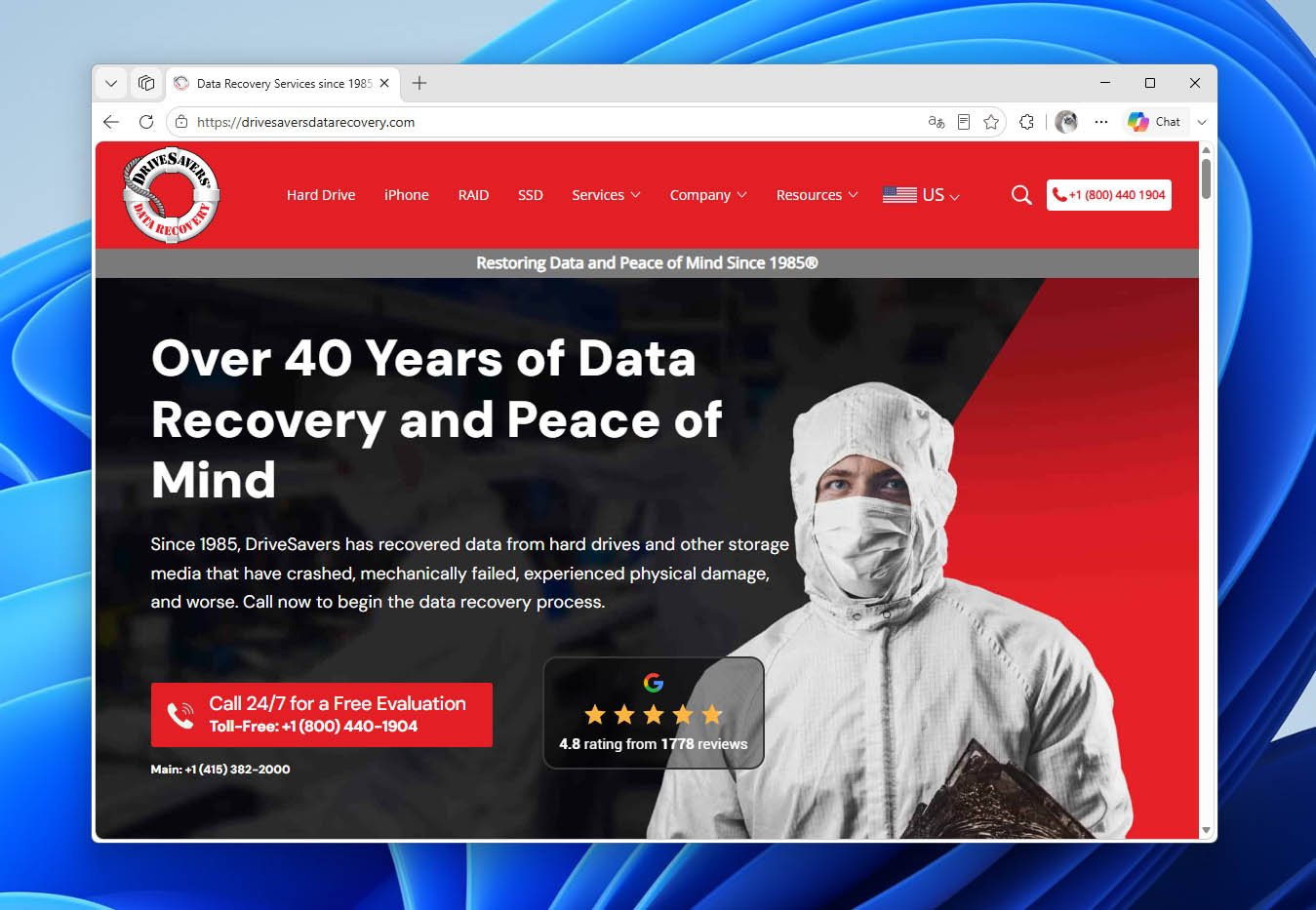
10. DriveSavers
DriveSavers has been providing professional data recovery services since 1985. The company works with individual users, businesses, enterprises, and government organizations and can recover data from virtually all types of storage media.
Pros
- Very fast standard turnaround
- Authorized by major storage manufacturers
- Strong security and compliance credentials
- Financing options available
Cons:
- No representative prices published
- Some service tiers are considerably slower
- Remote recovery does not cover physical damage
🧰 Range of services:
- Hard drive and SSD data recovery
- RAID, NAS, SAN, and server recovery
- Smartphone and tablet data recovery
- USB flash drive and memory card recovery
- Ransomware data recovery
- Data recovery from encrypted devices
- Data erasure
📑 Certifications:
- Certified ISO Class 5 Cleanroom
- Annual SOC 2 Type II audit
- HIPAA Security Compliance
- Network and security audits
- Engineers trained and certified to recover encrypted data
📝 Overview:
DriveSavers has more than 40 years of experience and performs recovery on HDDs, SSDs, smartphones, tablets, flash storage, RAID arrays, NAS devices, and other storage media. The company is also authorized by major storage manufacturers to open sealed drives without voiding the original warranty.
There are three service levels. Priority recovery begins as soon as the device arrives and operates 365 days a year, including evenings, weekends, and holidays. Standard service typically takes 1–2 business days, while Economy service takes 5–7 business days.
📍 Locations:
DriveSavers is headquartered in the United States and provides data recovery services worldwide. Devices can be shipped to its U.S.-based recovery lab using a free shipping label provided by the company.
💵 Pricing:
Free initial estimate and in-lab evaluation. DriveSavers provides the recovery cost before work begins and follows a No Data, No Charge policy if the data cannot be recovered. There are no upfront, Cleanroom, or parts fees.
☎️ Support:
- Free evaluation and quote
- 24/7 Data Recovery Advisors
- Priority, Standard, and Economy service options
- Free shipping
- No Data, No Charge policy
- Free return shipping if recovery is unsuccessful
Alternatives to Data Recovery Centers
A professional data recovery center is not always the first option you should turn to. If your storage device is still recognized by the operating system and there are no signs of physical damage, you may be able to recover the files yourself with data recovery software. This is usually the better place to start after accidental deletion, formatting, lost partitions, or file system corruption.
There are many commercial and free data recovery software options for Windows and Mac. Software is considerably cheaper than an in-lab recovery and lets you scan the device and see what can still be recovered before sending it anywhere.
The important part is knowing when not to use it. A recovery service is the better choice in situations such as:
- Physical damage – A dropped hard drive or laptop may have internal damage even if there is little to see from the outside.
- Unusual noises – Clicking, grinding, or other new sounds from a hard drive can indicate a mechanical failure. Running recovery software means keeping the drive powered on and may make its condition worse.
- Water or heat damage – Storage devices damaged by water, excessive heat, or other environmental conditions should be handled in a recovery lab.
- Electronic failure – A power surge can damage the drive’s controller board or other electronic components.
- Firmware problems – Some firmware failures can make a drive inaccessible to the operating system, which also makes normal recovery software useless.
In other words, software makes sense when you have logical data loss on a device that still works normally. If the device itself is failing or physically damaged, leave it to a data recovery service.
Whichever option you choose, avoid writing anything new to the affected storage device. Deleted files can often be recovered because their data is still physically present, but once that space is overwritten, neither recovery software nor a professional lab can bring the old contents back.
Disk Drill
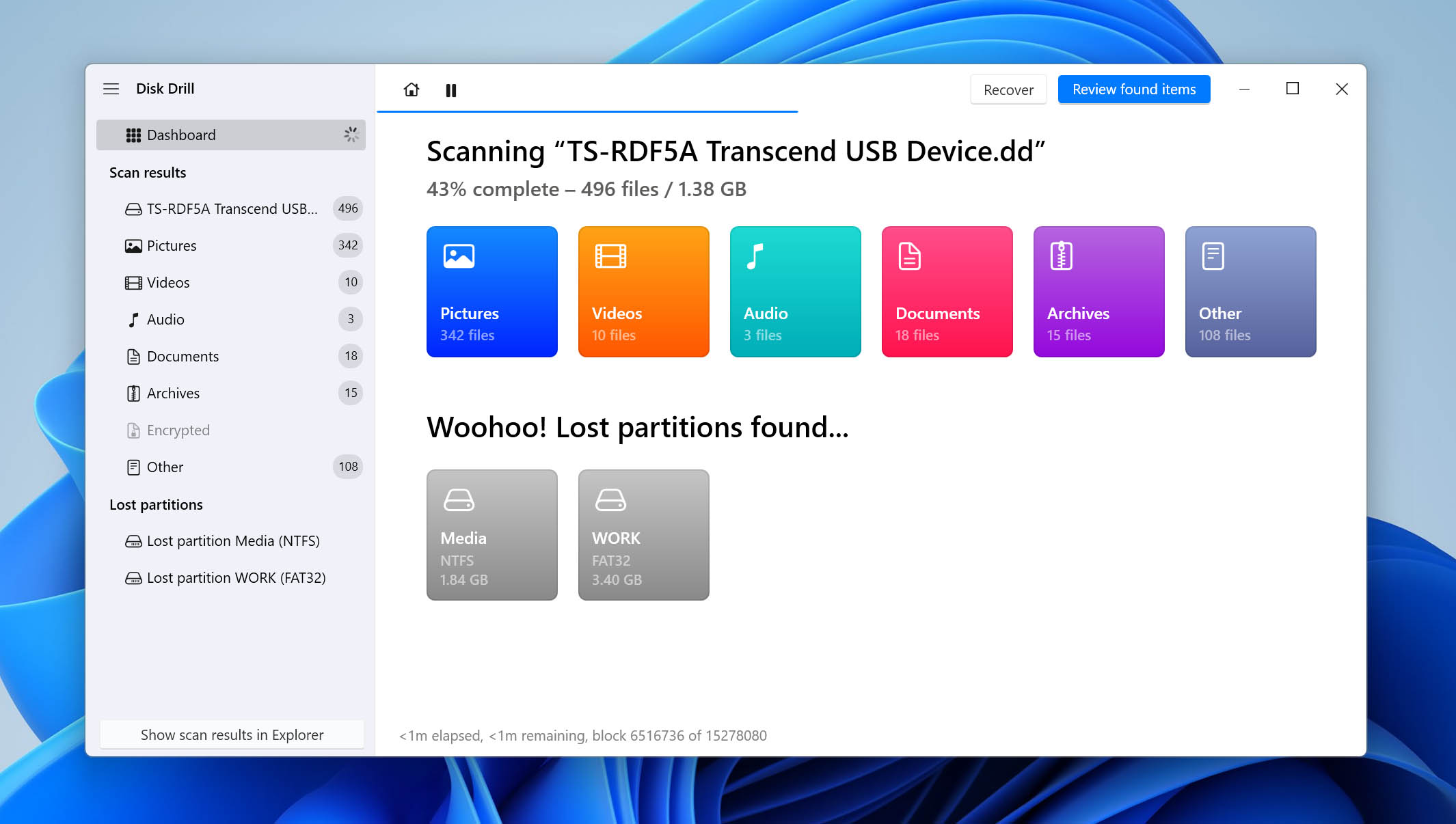
Disk Drill is a data recovery application for Windows and macOS. You can use it to recover computer data from an internal HDD or SSD, external hard drive, USB flash drive, SD card, and other storage devices. It is mainly intended for logical data loss – for example, when files were deleted, a drive was formatted, or a partition was lost.
🧰 Features and Services:
Disk Drill can recover files lost after accidental deletion, formatting, partition loss, or file system corruption. It works with internal and external HDDs and SSDs, USB flash drives, SD cards, cameras, and many other storage devices. Its scans cover 400+ file types, from photos and videos to documents, archives, and audio files.
For drives that may be having problems, Disk Drill can create a full disk image that you can scan instead of repeatedly reading the original device. There is also S.M.A.R.T. monitoring for HDDs and SSDs, which keeps an eye on drive health and can warn you about problems before a drive fails.
Other tools include lost partition search, recovery from formatted drives, file previews, and scan session saving. On Mac, Disk Drill also works with iPhones and iPads and can search for recoverable data on the device or in available backups.
💵 Pricing:
Disk Drill Basic is free to download and can scan a device and preview the files it finds. The Windows version also includes up to 100 MB of free recovery. Disk Drill PRO costs $89 per year or $149 for a lifetime license.
Pros
- Available for Windows and macOS
- Works with HDDs, SSDs, USB flash drives, and SD cards
- Supports more than 400 file formats
- Byte-to-byte image feature
- Free scans and file previews
Cons:
- Recovery beyond the free Windows limit requires PRO
🆚 Disk Drill vs Data Recovery Center
Disk Drill makes more sense when the storage device still works and the problem is with the data. Deleted files, a quick-formatted SD card, a lost partition, a corrupted file system, or an accidentally erased USB flash drive are all cases you can try at home. You can start the scan immediately, preview what Disk Drill finds, and recover the files without shipping the device or giving anyone access to your data. At $89 per year for PRO, the cost is also far below the several hundred dollars or more you can expect from most recovery labs.
There are limits, though. Disk Drill needs macOS or Windows to detect the storage device with its correct capacity before it can scan it. If an HDD is clicking, won’t spin up, has damaged read/write heads or electronics, or disappeared from Disk Utility/Disk Management completely, software has nothing useful to scan. The same applies to a device damaged by water, fire, or a serious impact.
This is where a data recovery center has the advantage. Engineers can diagnose hardware failures, replace or repair damaged components, open an HDD in a cleanroom, and use specialized equipment to read storage that a regular computer cannot access. Labs are also better equipped for physically failed RAID arrays and other complex storage systems.
Stellar Data Recovery
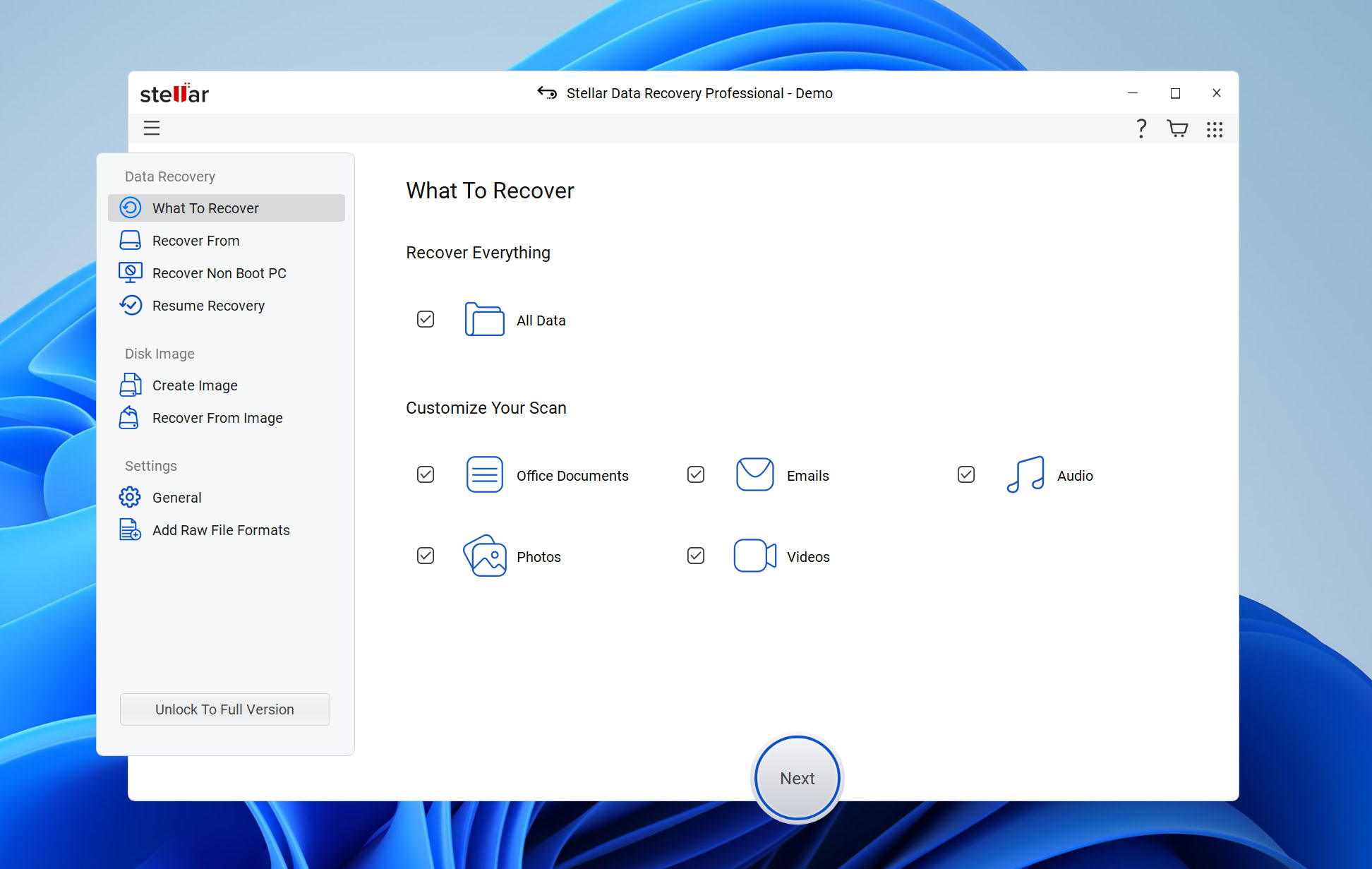
Stellar Data Recovery is available for Windows and Mac and covers many of the same everyday data loss cases. It can recover files deleted from HDDs, SSDs, USB flash drives, SD cards, and external storage, as well as data lost after formatting or partition problems.
🧰 Features and Services:
Stellar Data Recovery can recover files after accidental deletion, formatting, partition loss, or file system corruption. It works with internal and external HDDs and SSDs, USB flash drives, SD cards, and other removable storage. The software offers Quick and Deep Scan, file previews, lost partition search, and disk imaging, so you can create a copy of a problematic drive and scan that instead of the original. On Windows, it can also recover data from BitLocker-encrypted drives when you have the password or recovery key.
Higher editions add RAID recovery, bootable recovery for computers that no longer start, and tools for repairing corrupted photos and videos. Stellar also has a separate iPhone recovery application that works with iPhones, iPads, and backups. It can search for photos, videos, messages and attachments, contacts, call history, notes, and other iOS data.
💵 Pricing:
Stellar Data Recovery for Windows starts at $99.99. The Premium edition costs $209.99. Its iPhone recovery software is sold separately and starts at $59.99 for one year.
Pros
- Available for Windows and Mac
- Works with HDD, SSD, USB flash drive, and SD card storage
- Supports BitLocker-encrypted drives
- Lost partition and disk image tools
- Separate iPhone recovery option
Cons:
- Different features are split between several paid editions
- iPhone recovery requires a separate product
🆚 Stellar Data Recovery vs Data Recovery Center
For deleted files, formatting, lost partitions, and other logical problems, Stellar gives you a chance to handle the recovery at home and at a much lower cost. It can even work with an encrypted BitLocker drive as long as you can unlock it.
It won’t help much when the HDD itself has failed. A recovery center has equipment for damaged drives and can work with failures that prevent the computer from accessing the device at all. A service may also be a better fit for complicated RAID, server, or ransomware cases where you need direct or remote help from a recovery engineer.
Recuva
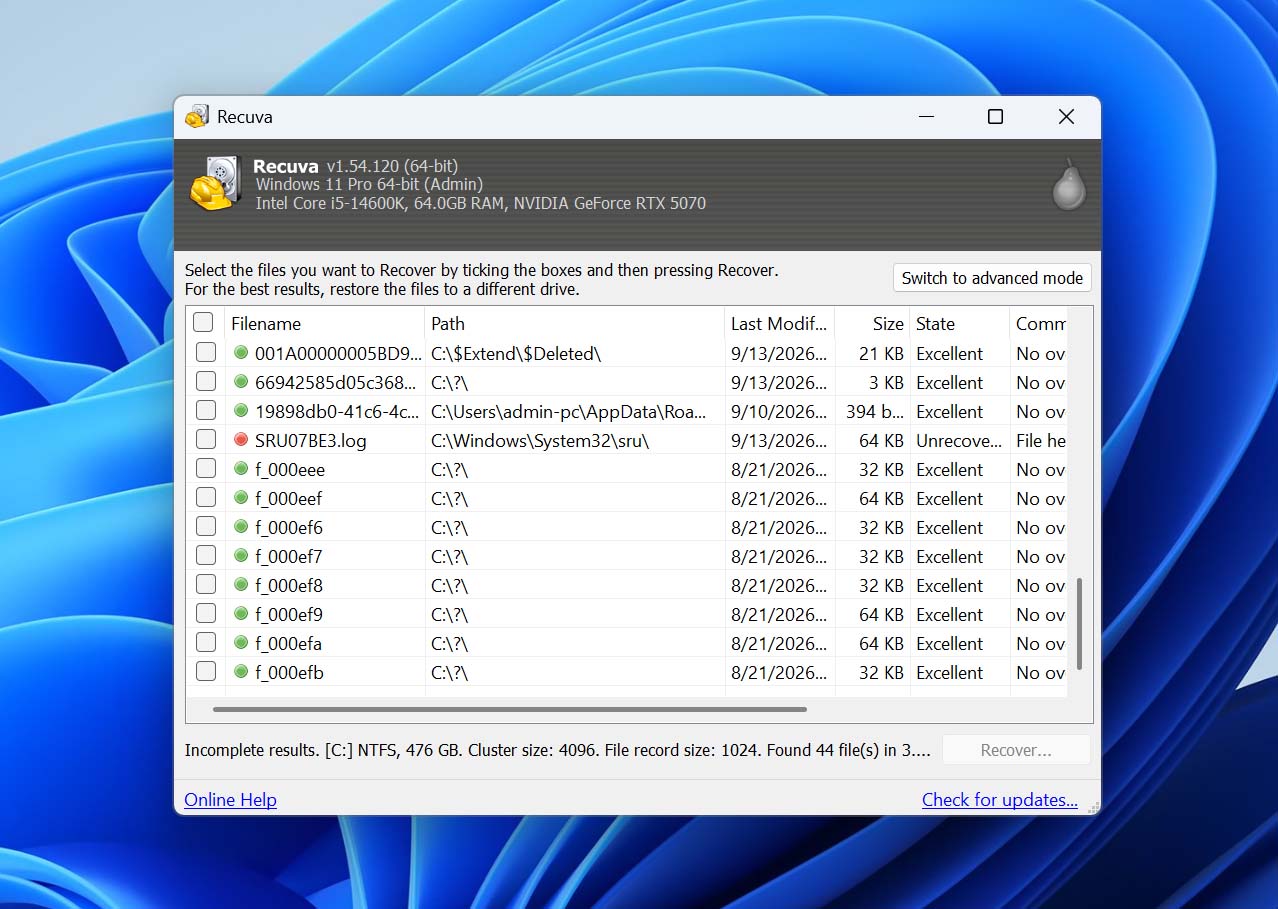
Recuva is the simplest and cheapest of the three options. It is a Windows-only file recovery program that can restore deleted pictures, music, documents, videos, emails, and other files from a computer, external hard drive, USB flash drive, SD card, or other rewritable storage.
🧰 Features and Services:
Recuva includes normal file recovery and a Deep Scan for files that are harder to find. It can also scan damaged or newly formatted drives. Unlike Disk Drill and Stellar, its feature set is fairly small, but that can be an advantage if all you need is to recover deleted files.
Recuva Professional adds virtual hard drive support, automatic updates, and priority support.
💵 Pricing:
Recuva Free provides advanced file recovery at no cost. Recuva Professional currently costs $24.95 and adds virtual hard drive support and priority support.
Pros
- Free version available
- Low price for Professional
- Easy option for basic deleted-file recovery
- Supports HDDs, USB drives, and memory cards
- Deep Scan included
Cons:
- Windows only
- Much smaller feature set than Disk Drill or Stellar
- Doesn’t work with RAW devices
🆚 Recuva vs Data Recovery Center
Recuva makes the most sense for simple cases where paying the cost of professional recovery would be hard to justify. If you deleted several files from a working USB flash drive or SD card, for example, trying the free version first costs nothing.
Its limits are also much clearer. Recuva can’t scan drives that show up as RAW, repair a failed HDD, or do anything with a device that the computer can no longer access. It is a useful first option for ordinary file deletion, but RAW drives, physical damage, and more complex storage failures may require a more advanced recovery tool or a data recovery center.
What to Look For in Professional Data Recovery Services
When choosing a data recovery company to resolve your data-loss situation, consider the following characteristics:
- A reliable recovery company will not give you a “per GB” price for their services. They should be willing to provide a free estimate, but data recovery is a complicated process, and unforeseen circumstances may increase the original estimate.
- The service should have certified cleanrooms in its recovery lab that provide a controlled environment in which to open drives and perform repairs. The lack of a cleanroom exposes devices to dust that can cause further damage or make them impossible to repair.
- Don’t use a service that does not have a cleanroom.
- Most reputable data recovery services will return your damaged media at no charge if they cannot finish the recovery. Their experience should allow them to complete the majority of recoveries for which they provide estimates and accept media from a customer.
- The security of your data while it is in the hands of the recovery service is another factor to consider. If clones of your media are made, what happens to the originals and any copies after your data is returned? The recovery company should be able to answer that question to your satisfaction.
- Look for a service with a high recovery rate. You will probably only get one shot at recovering your data, so you want to go with a company that has a proven track record of success.
How Data Recovery Centers Work
Reputable data recovery centers share many common characteristics. Here’s how they will process a typical recovery request.
- Initial consultation – The customer describes the problem and specifies which data they want recovered from the device.
- Technical evaluation – The unique fingerprint of the storage device needs to be understood and kept in mind during recovery. During the technical evaluation, a technician checks the power supply. In some cases, the repair may be as simple as replacing a fuse. After power is supplied to the device, the technician will listen for the clicking sounds that indicate problems with the read/write heads.
- Verification – Once the service settles on a recovery strategy, the device will likely be opened in its cleanroom. Firmware chips may be replaced and the technician will have the necessary access to the servo track.
- Drive cloning – If the damaged drive can be put into a semi-operational state, the technician will try to clone the drive. This critical step determines if your data can be saved from the device.
How is the Price of Services Determined?
The cost of having data restored by a recovery service can vary widely. The main factors that affect the price are:
- Size of the device;
- Amount of data that needs to be recovered;
- The extent of damage the drive has experienced;
- The specific technical solutions that must be employed to restore the data;
- The time technicians spend diagnosing and resolving the problem.
Some of these factors cannot be known before the recovery is performed. This is the reason that services give an estimate for the recovery instead of a fixed price.
Which Data Can’t Be Recovered?
Data that has been overwritten by the operating system cannot be restored by a recovery service. Once a storage location is reused to save new information, the previous contents are no longer available for recovery.
In cases where your device is still operational, you may be able to use data recovery software to restore accidentally deleted files. Recovery software can get back deleted data as long as there is no mechanical damage to the device and the operating system can still access it. You can opt for a commercial solution such as Disk Drill, which offers versions for Windows and macOS. There are also freeware alternatives such as TestDisk or Recuva that offer less functionality and reliability.
Frequently Asked Questions
What is a data recovery service?
A hard drive recovery service is a company that specializes in the recovery of lost, damaged, or corrupted data. Many data recovery companies offer recovery software that can be used remotely, but their primary function is to physically repair and salvage the data from affected storage media. They may offer:
- Data recovery software
- In-lab recovery performed in a cleanroom environment
- RAID and server recovery
Should I Choose a Data Recovery Service Near Me or a Mail-In Service?
A local data recovery service can be convenient if you want to drop off the device yourself, avoid shipping, or need to speak with someone in person. But location shouldn’t be the deciding factor. For difficult cases, the experience of the lab, its equipment, cleanroom facilities, and security practices matter more than having an office nearby.
Mail-in recovery is common, and many of the services on our list work this way. You contact the company, open a case, securely package the device, and ship it to their recovery lab. Some companies provide a prepaid shipping label. Shipping itself is generally safe when the device is properly packed, but a physically damaged HDD should be protected from shocks and movement during transit.
Should I Use a Data Recovery Service or Software?
Use data recovery software when your device is still detected correctly and you are dealing with logical data loss, such as deleted files, accidental formatting, or a lost partition. Disk Drill is our best overall software option for these cases because you can scan the device and preview recoverable files before deciding whether to pay.
A data recovery service is the better choice when the device has physical damage, makes unusual noises, won’t power on, or isn’t detected correctly by the computer. We cover the differences, risks, and software choices in more detail in the Alternatives to Data Recovery Centers section above.
Do data recovery services report what is on your device?
Many recovery services will provide their customers with a listing of the files that can be recovered from their device. While they guarantee the privacy of your data, they may be legally and ethically required to report data that indicates criminal activity is occurring to the appropriate authorities.
Why do you need data recovery services for your business?
Any data loss can cause problems, but the loss of critical business data may have more serious consequences than the loss of personal data. A damaged drive may contain data that is vital to a company’s survival, so having a reliable data recovery partner can be instrumental in recovering it. It’s worth checking out some competing recovery services before encountering a situation that requires their help.
What is a cleanroom and how is it used by data recovery services?
A cleanroom is an environmentally controlled space used by data recovery technicians to open hard drives and perform repairs that expose internal components. The room is maintained at positive pressure, so air flows outward through openings rather than allowing contaminants to enter. It uses filters to remove dust particles that could contaminate or physically damage an open hard drive.
Conclusion
When you cannot recover your lost data with recovery software like Disk Drill, you may need to engage a data recovery service. All of the services we looked at offer free estimates so you can shop around for the best deal. One point to keep in mind is that you may only have one shot at recovering your valuable data from a damaged drive. For that reason, go with a company that has a reputation for success rather than looking for the least expensive solution.

Robert is a freelance writer and technology enthusiast who graduated from Pace University in New York with a degree in Computer Science in 1992. He is a former computer specialist at IBM. During his long career in IT, he has worked for a number of major service providers in various roles related to data storage, management, and protection.
- Houston, Texas, United States
Nikolay Lankevich has over 15 years of strong experience in various fields and platform includes Disaster Recovery, Windows XP/7. System analysis, design, application (Inter/Intranet) development, and testing. Provided technical supports on desktop and laptops on Win-XP and Macintosh for about 2000 employees.